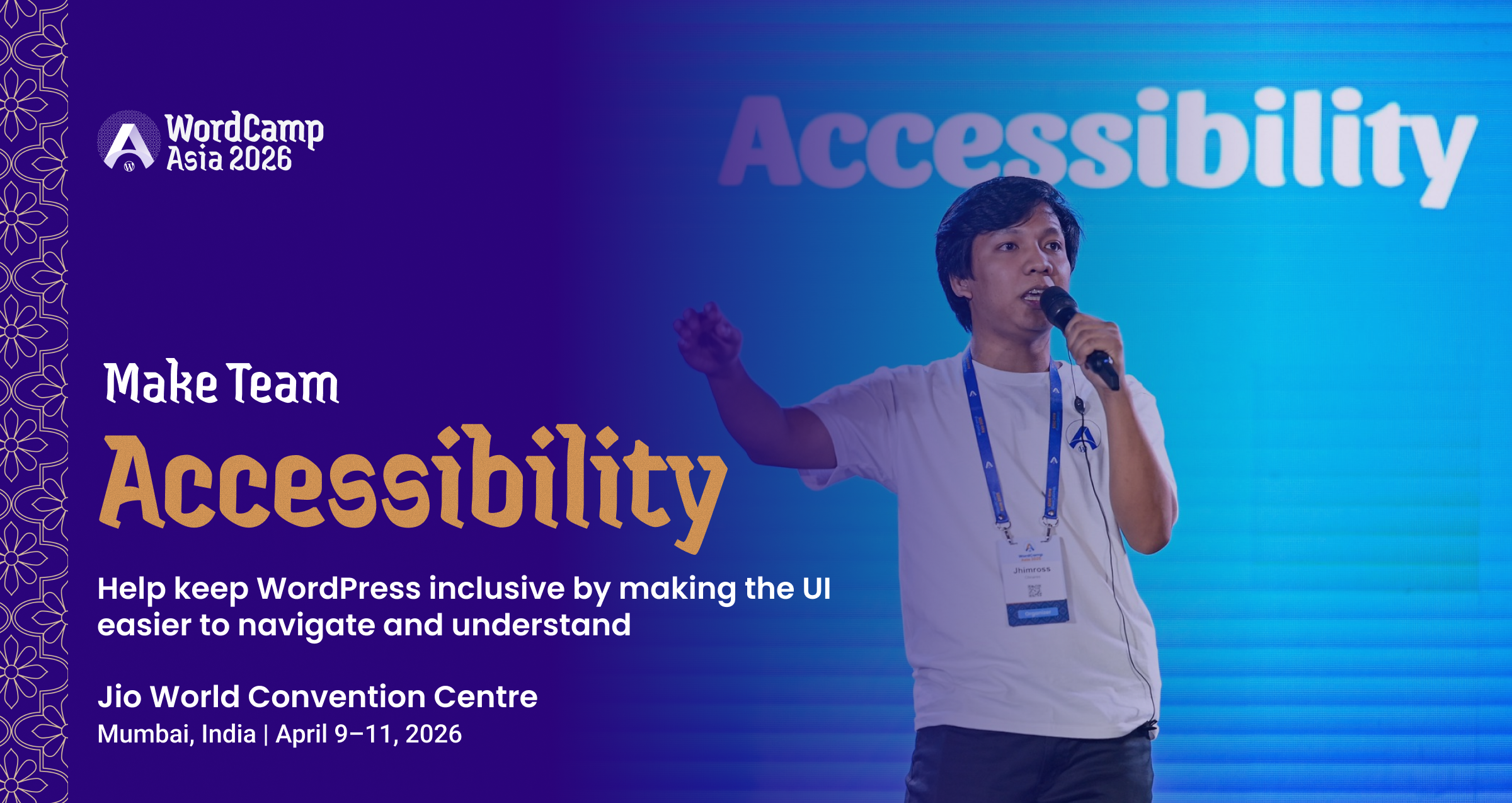
The web is only powerful when it is usable by everyone. That is the mandate of the Accessibility Team.
The Make WordPress Accessibility Team works to ensure that WordPress is usable by everyone, including people who rely on assistive technologies. Their focus spans WordPress Core, the block editor known as Gutenberg, default themes, the WordPress.org ecosystem, and related documentation.
Designers. Developers. Testers. Writers. People with lived experience using assistive technology. Everyone has a seat at this table. If inclusion matters to you, this is where intent turns into impact.
What Does the Accessibility Team Do?
The team ensures WordPress aligns with recognized accessibility standards and remains usable for people with diverse abilities. Their work touches millions of users globally.
Key Focus Areas & Responsibilities
- Reviewing and improving accessibility in WordPress core, Gutenberg, and default themes.
- Auditing new features and design proposals to prevent accessibility issues.
- Providing documentation, best practices, and code standards to support accessibility across WordPress.
- Testing features using assistive technologies (screen readers, keyboard-only navigation, color contrast checkers).
- Reporting/Retesting accessibility-related tickets in Trac.
- Writing or improving accessibility documentation.
- Reviewing themes for the “Accessibility-Ready” tag.
- Triaging accessibility tickets.
- Supporting contributors during WordCamps and Contributor Days.
Impact on the WordPress Community
The team works toward compliance with WCAG 2.2 at Level AA standards. That benefits users with disabilities directly. It also improves usability for everyone. Clear contrast. Logical navigation. Better structure. Accessibility is smart design.
Inclusive design is not an add on. It is foundational.
Collaboration With Other Make Teams
- Working with Core, Design, Docs, Themes, Meta, and Editor/Gutenberg teams.
- Reviewing proposals and collaborating on improvements before major releases.
- Providing feedback on UI/UX changes and feature designs.
Working Groups Within the Team
Contributors can join the working group best aligned with their skills or interests:
- General – triage, patches, testing across WordPress core.
- Design – accessible design patterns, UI reviews.
- Documentation – creating and refining accessibility documentation.
- Gutenberg – identifying, testing, and reporting issues in the block editor.
- Media – accessibility of image, video, and related interfaces.
- Meta – accessibility across WordPress.org and related sites.
- Themes – evaluating themes for accessibility-ready guidelines.
Mentorship & Support
New contributors are guided by experienced members, Team Reps, and working group leads. The team is beginner-friendly and welcomes people with all levels of accessibility knowledge.
Challenges Faced by the Accessibility Team
Every contributor is valued, and it’s important to acknowledge the realities the team works through:
Common Challenges
- Understanding accessibility standards and testing tools can involve a learning curve.
- Coordinating collaboration across multiple time zones.
- Staying ahead of new features and design changes that may introduce regressions.
- Balancing open-source contribution with personal and professional commitments.
How New Contributors Can Navigate These Challenges
- Start by observing team meetings or scrubs to gain context.
- Join a working group that matches your interests for more focused onboarding.
- Seek guidance from experienced contributors, Team Reps, or mentors.
- Begin with small contributions like testing or helping in documentation and grow gradually.
Growing With the Accessibility Team
Contributors have many opportunities to deepen their skills and take on meaningful roles.
Pathways for Growth
- Gaining hands-on experience with accessibility testing tools and standards (WCAG 2.2 AA).
- Learning to audit UI, write accessible code, or review themes.
- Expanding writing skills through documentation contributions.
- Taking on long-term accessibility tasks marked with focus keywords like accessibility.
Community & Events
The Accessibility Team actively encourages participation at:
- WordCamps
- Contributor Days
- Weekly bug scrubs
- Biweekly team meetings in Slack (#accessibility)
- WPAccessibility Day
These events offer great opportunities to collaborate, learn, and build confidence.
The Accessibility Team plays a critical role in making WordPress more inclusive and usable for all.
If you care about usability, equity, and thoughtful design, your contribution can influence millions of users worldwide.
Visit the team page. Join the Slack channel #accessibility. Attend a meeting. Contribute during the next WordCamp Contributor Day.
Accessibility is not a feature. It is a commitment. And WordPress is stronger because of it.